Stop Trying To Manage Everything In Your Head
The Deborah Life Management System helps busy moms organize every part of life in one place.
Manage:
✅ Home
✅ Work
✅ Family
✅ Homeschool
✅ Budget & Finances
✅ Personal Goals
All from one digital planner.
Perfect for:
Stay-at-home moms
Work-at-home moms
Homeschool families
Entrepreneurs
Digital planner lovers
Designed For Busy Moms Managing Multiple Roles
Life gets overwhelming when appointments, family schedules, work tasks, meal planning, finances, goals, and homeschooling are scattered across multiple notebooks and apps.
The Deborah Life Management System was created to help you keep everything organized in one place.
This 6-in-1 digital planner combines category planning with daily time blocking so you can focus on what matters most without feeling overwhelmed.
Why Customers Love This Planner
✅ Organize six major areas of life
✅ Plan your day hour-by-hour
✅ Separate responsibilities by category
✅ Reduce mental clutter
✅ Build routines that stick
✅ Increase productivity
✅ Use year after year with undated layouts
✅ Compatible with Goodnotes, Noteshelf, Notability, and Xodo
What's Included
Deborah Life Management Hub
Includes:
Daily Time Blocking System
Includes:
Monthly Planning Pages
Daily Planning Pages
Hourly Time Blocks
Checklist Sections
Weekly Planning Support
Suggested Life Categories
Use the six planning sections for:
🏠 Home Management
📚 Homeschool Planning
💼 Work & Business
💰 Finances & Savings
🎯 Goals & Projects
❤️ Family & Personal Life
Perfect For
✓ Homeschool Moms
✓ Working Moms
✓ Stay-at-Home Moms
✓ Entrepreneurs
✓ Teachers
✓ Goal Setters
✓ Productivity Lovers
✓ Digital Planning Enthusiasts
Stop Trying To Manage Everything In Your Head
The Deborah Life Management System helps busy moms organize every part of life in one place.
Manage:
✅ Home
✅ Work
✅ Family
✅ Homeschool
✅ Budget & Finances
✅ Personal Goals
All from one digital planner.
Perfect for:
Stay-at-home moms
Work-at-home moms
Homeschool families
Entrepreneurs
Digital planner lovers
Designed For Busy Moms Managing Multiple Roles
Life gets overwhelming when appointments, family schedules, work tasks, meal planning, finances, goals, and homeschooling are scattered across multiple notebooks and apps.
The Deborah Life Management System was created to help you keep everything organized in one place.
This 6-in-1 digital planner combines category planning with daily time blocking so you can focus on what matters most without feeling overwhelmed.
Why Customers Love This Planner
✅ Organize six major areas of life
✅ Plan your day hour-by-hour
✅ Separate responsibilities by category
✅ Reduce mental clutter
✅ Build routines that stick
✅ Increase productivity
✅ Use year after year with undated layouts
✅ Compatible with Goodnotes, Noteshelf, Notability, and Xodo
What's Included
Deborah Life Management Hub
Includes:
Daily Time Blocking System
Includes:
Monthly Planning Pages
Daily Planning Pages
Hourly Time Blocks
Checklist Sections
Weekly Planning Support
Suggested Life Categories
Use the six planning sections for:
🏠 Home Management
📚 Homeschool Planning
💼 Work & Business
💰 Finances & Savings
🎯 Goals & Projects
❤️ Family & Personal Life
Perfect For
✓ Homeschool Moms
✓ Working Moms
✓ Stay-at-Home Moms
✓ Entrepreneurs
✓ Teachers
✓ Goal Setters
✓ Productivity Lovers
✓ Digital Planning Enthusiasts

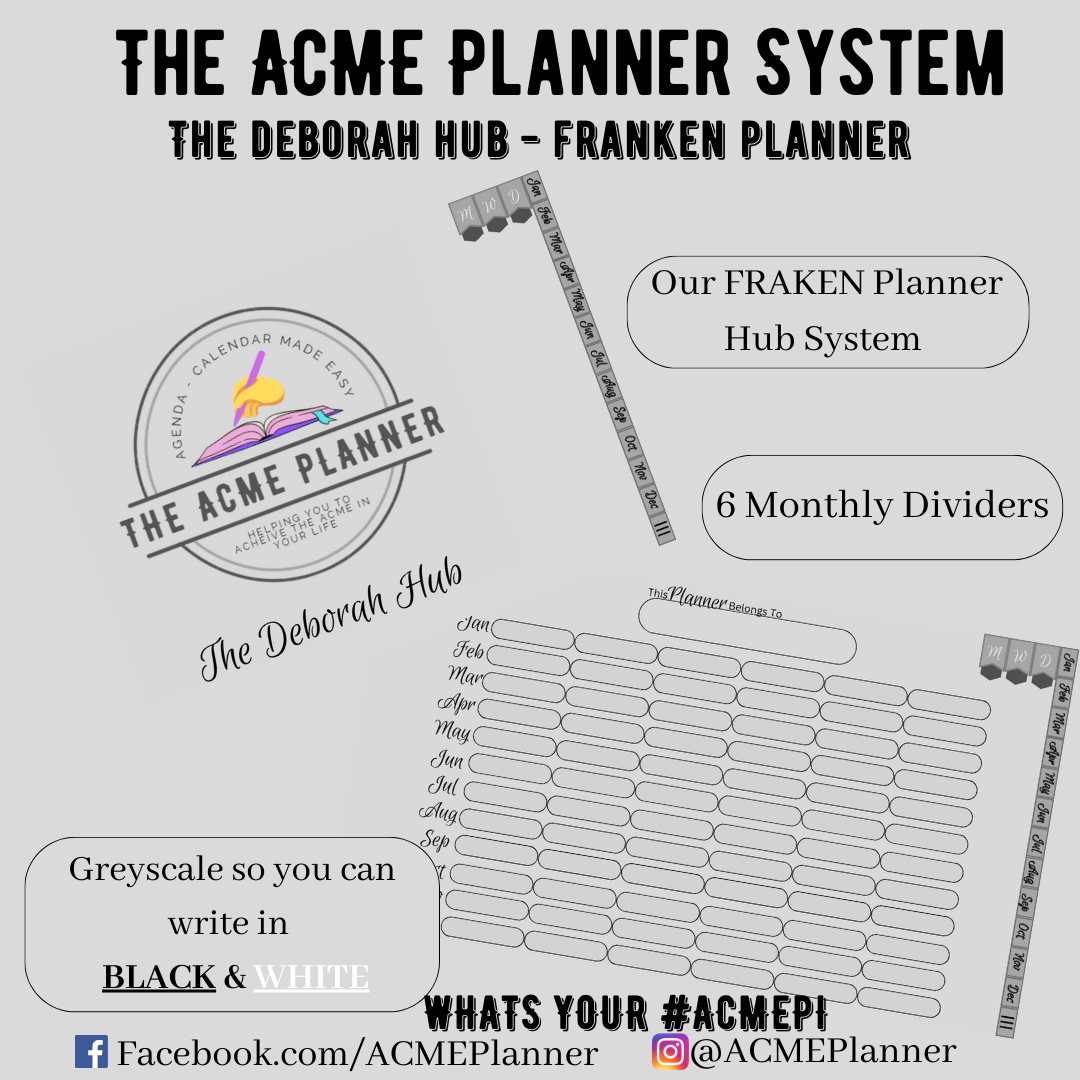 Image 1 of 11
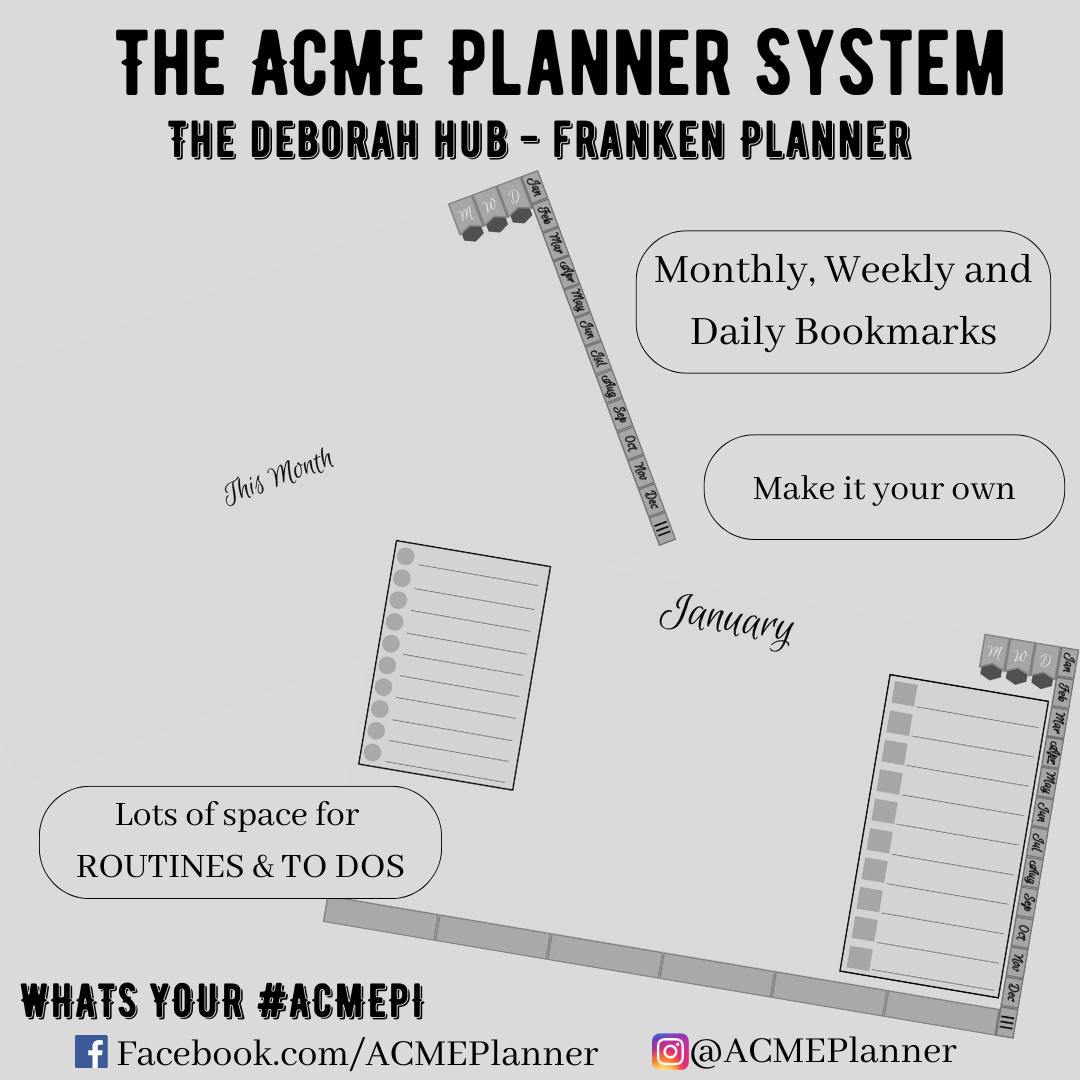 Image 2 of 11
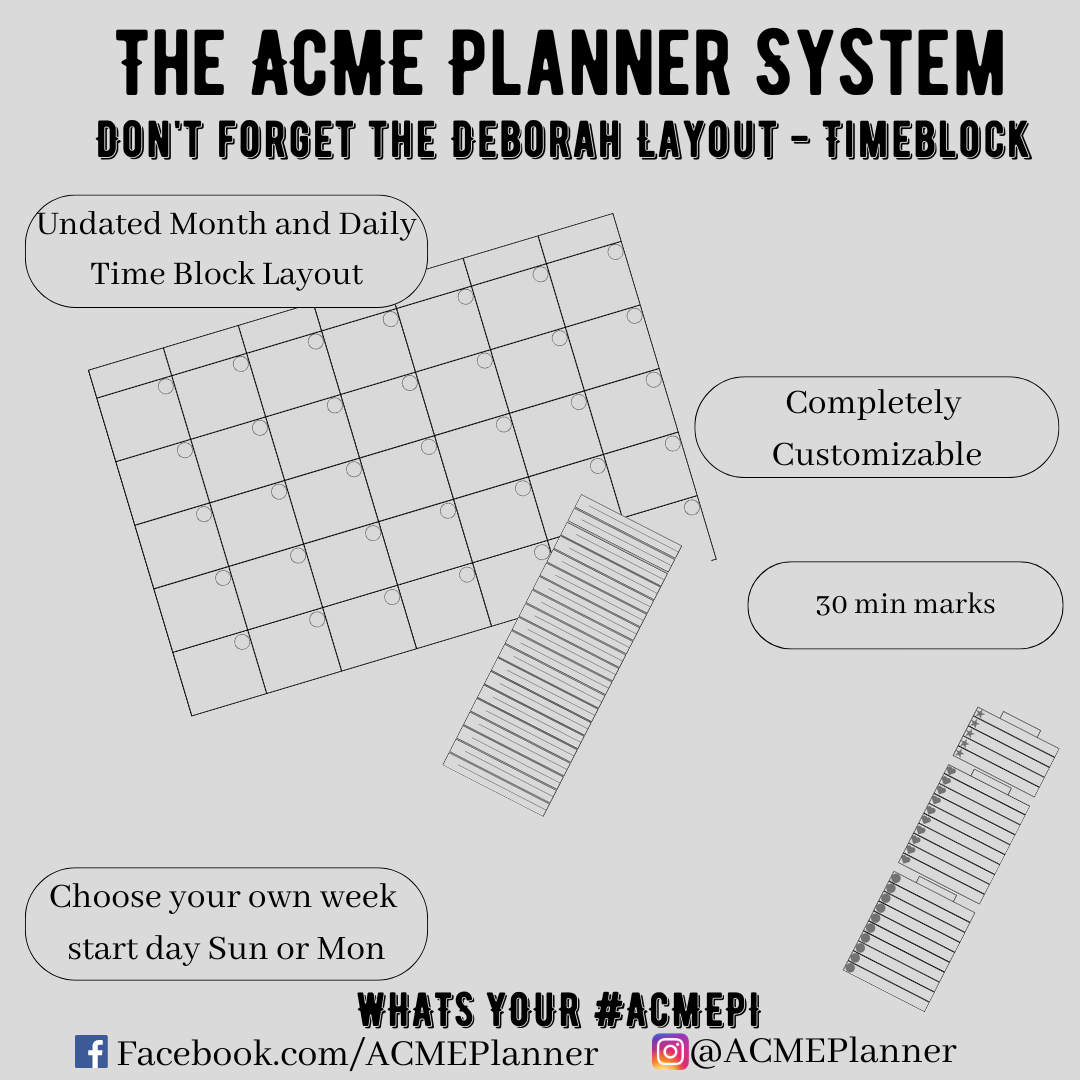 Image 3 of 11
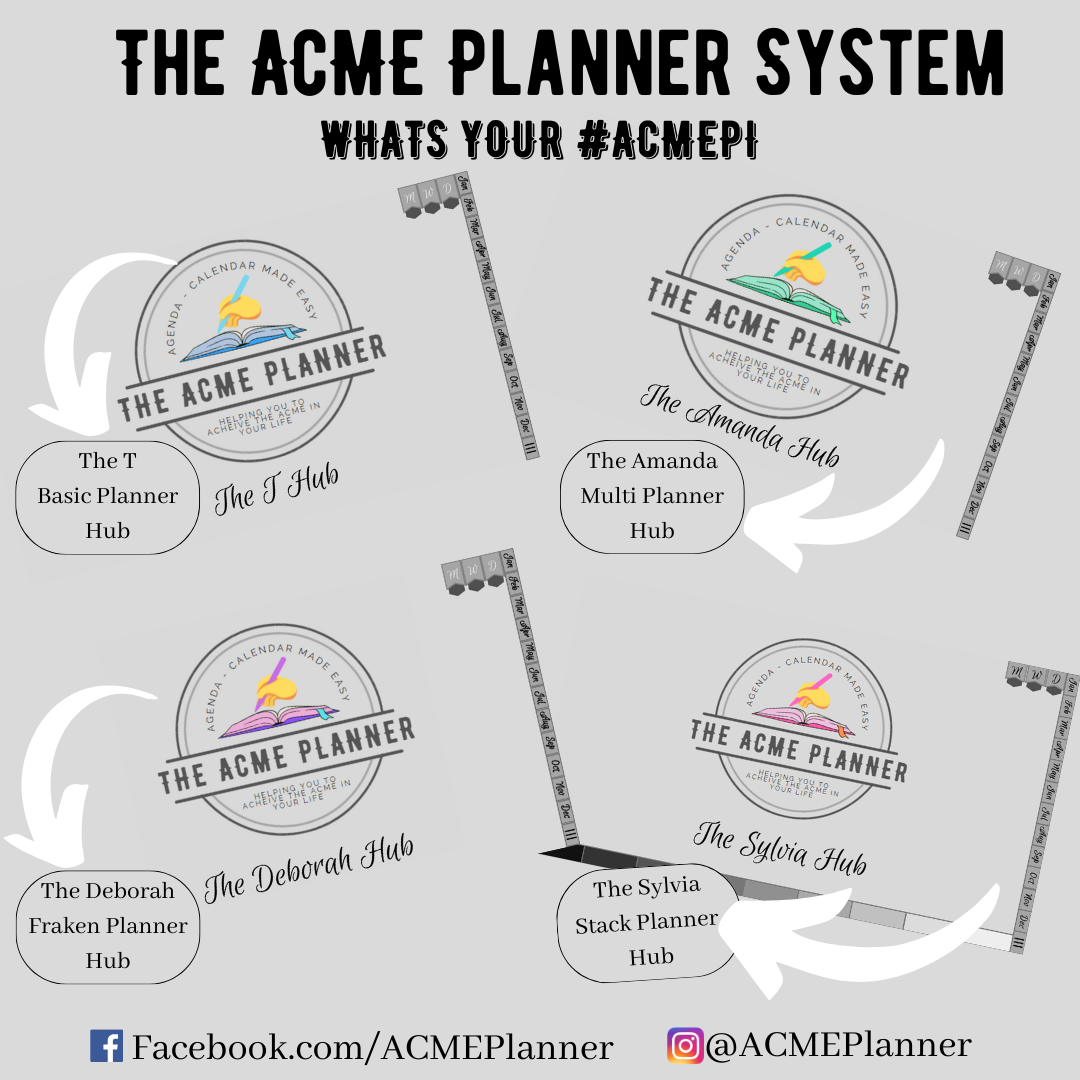 Image 4 of 11
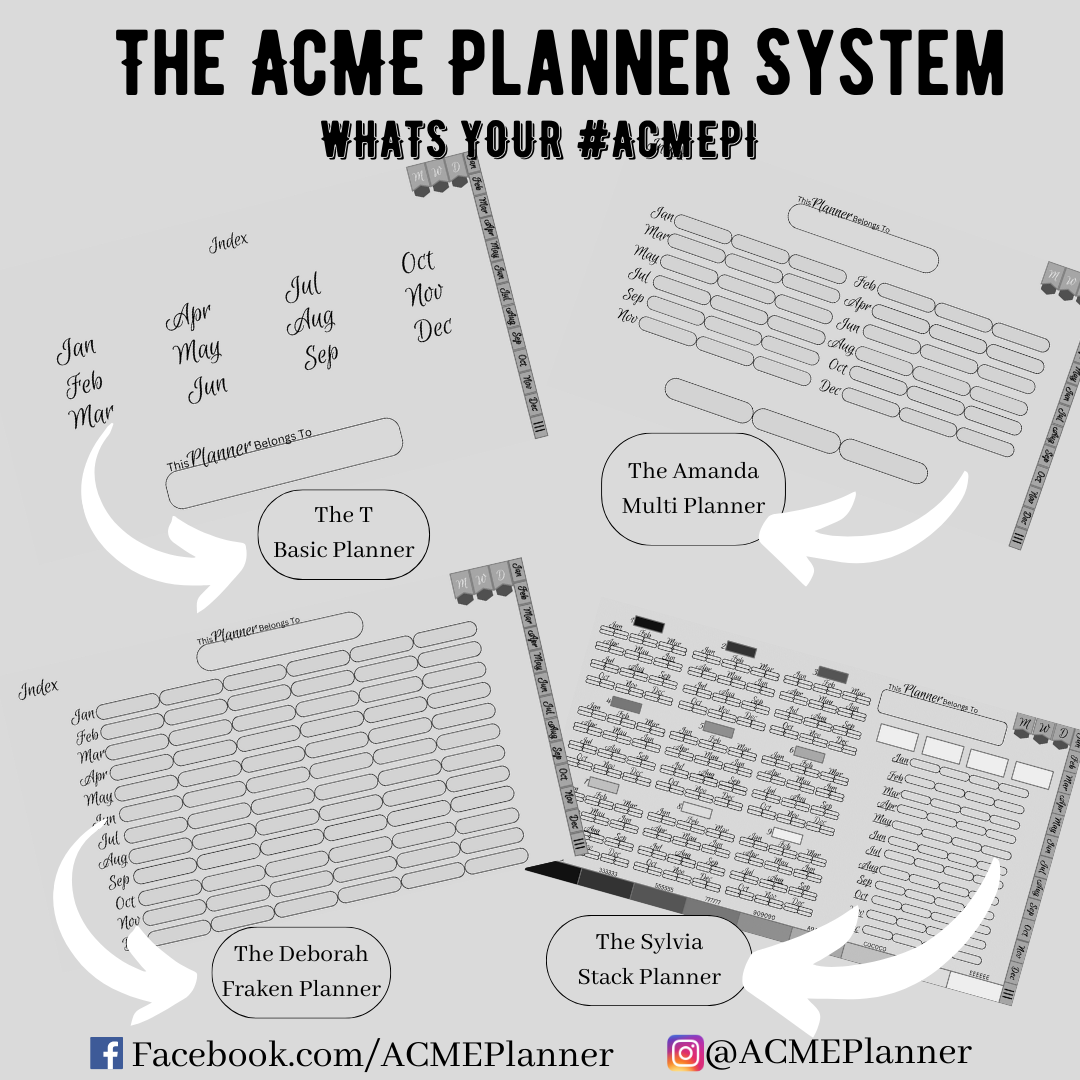 Image 5 of 11
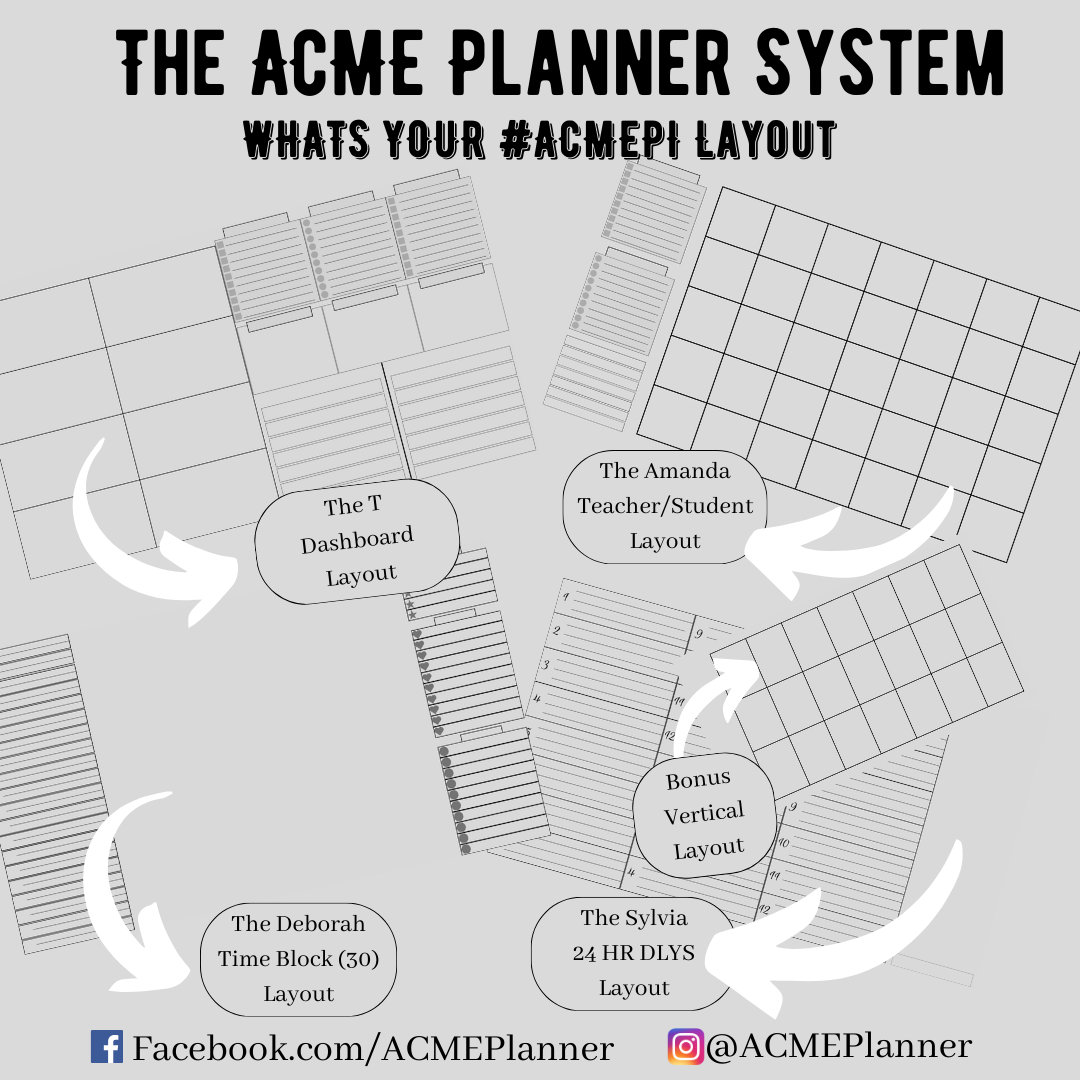 Image 6 of 11