Stay Organized Throughout The School Year
Whether you're teaching in a classroom, tutoring students, or homeschooling your children, keeping lessons, schedules, assignments, and goals organized can feel overwhelming.
The Teacher & Homeschool Planning System helps you manage:
✅ Lesson Planning
✅ Weekly Schedules
✅ Student Activities
✅ Academic Goals
✅ Assignment Tracking
✅ Notes & Planning
All from one digital planning system.
Perfect For
✓ Teachers
✓ Homeschool Parents
✓ Tutors
✓ Learning Pods
✓ Co-Op Leaders
✓ Academic Coaches
✓ Special Education Planning
✓ Student Success Programs
One Planning System For Education Success
Stop juggling lesson plans, sticky notes, calendars, and multiple planning tools.
This digital teacher planning system helps you organize every aspect of your educational workflow in one place.
Create lesson plans, manage schedules, track priorities, organize activities, and keep important educational information easily accessible throughout the year.
Designed for Goodnotes, Noteshelf, Notability, and other PDF annotation apps.
Why Educators Love This Planner
✅ Plan lessons faster
✅ Reduce planning overwhelm
✅ Track weekly priorities
✅ Organize student information
✅ Manage multiple subjects
✅ Reuse year after year
✅ Navigate quickly with hyperlinks
✅ Keep everything in one place
What's Included
Academic Planning Hub
Hyperlinked navigation
Monthly sections
Planning categories
Quick-access links
Organization dashboard
Teacher Planning Pages
Monthly planning
Weekly planning
Assignment tracking
Goal planning
Notes sections
Student Organization Tools
Academic planning
Project tracking
Weekly organization
Progress monitoring
Does This Sound Familiar?
❌ Lesson plans in multiple notebooks
❌ Sticky notes everywhere
❌ Forgotten assignments
❌ Overwhelming schedules
❌ Too many planning systems
The Solution
One planning system.
One workspace.
One place for everything.
Stay Organized Throughout The School Year
Whether you're teaching in a classroom, tutoring students, or homeschooling your children, keeping lessons, schedules, assignments, and goals organized can feel overwhelming.
The Teacher & Homeschool Planning System helps you manage:
✅ Lesson Planning
✅ Weekly Schedules
✅ Student Activities
✅ Academic Goals
✅ Assignment Tracking
✅ Notes & Planning
All from one digital planning system.
Perfect For
✓ Teachers
✓ Homeschool Parents
✓ Tutors
✓ Learning Pods
✓ Co-Op Leaders
✓ Academic Coaches
✓ Special Education Planning
✓ Student Success Programs
One Planning System For Education Success
Stop juggling lesson plans, sticky notes, calendars, and multiple planning tools.
This digital teacher planning system helps you organize every aspect of your educational workflow in one place.
Create lesson plans, manage schedules, track priorities, organize activities, and keep important educational information easily accessible throughout the year.
Designed for Goodnotes, Noteshelf, Notability, and other PDF annotation apps.
Why Educators Love This Planner
✅ Plan lessons faster
✅ Reduce planning overwhelm
✅ Track weekly priorities
✅ Organize student information
✅ Manage multiple subjects
✅ Reuse year after year
✅ Navigate quickly with hyperlinks
✅ Keep everything in one place
What's Included
Academic Planning Hub
Hyperlinked navigation
Monthly sections
Planning categories
Quick-access links
Organization dashboard
Teacher Planning Pages
Monthly planning
Weekly planning
Assignment tracking
Goal planning
Notes sections
Student Organization Tools
Academic planning
Project tracking
Weekly organization
Progress monitoring
Does This Sound Familiar?
❌ Lesson plans in multiple notebooks
❌ Sticky notes everywhere
❌ Forgotten assignments
❌ Overwhelming schedules
❌ Too many planning systems
The Solution
One planning system.
One workspace.
One place for everything.

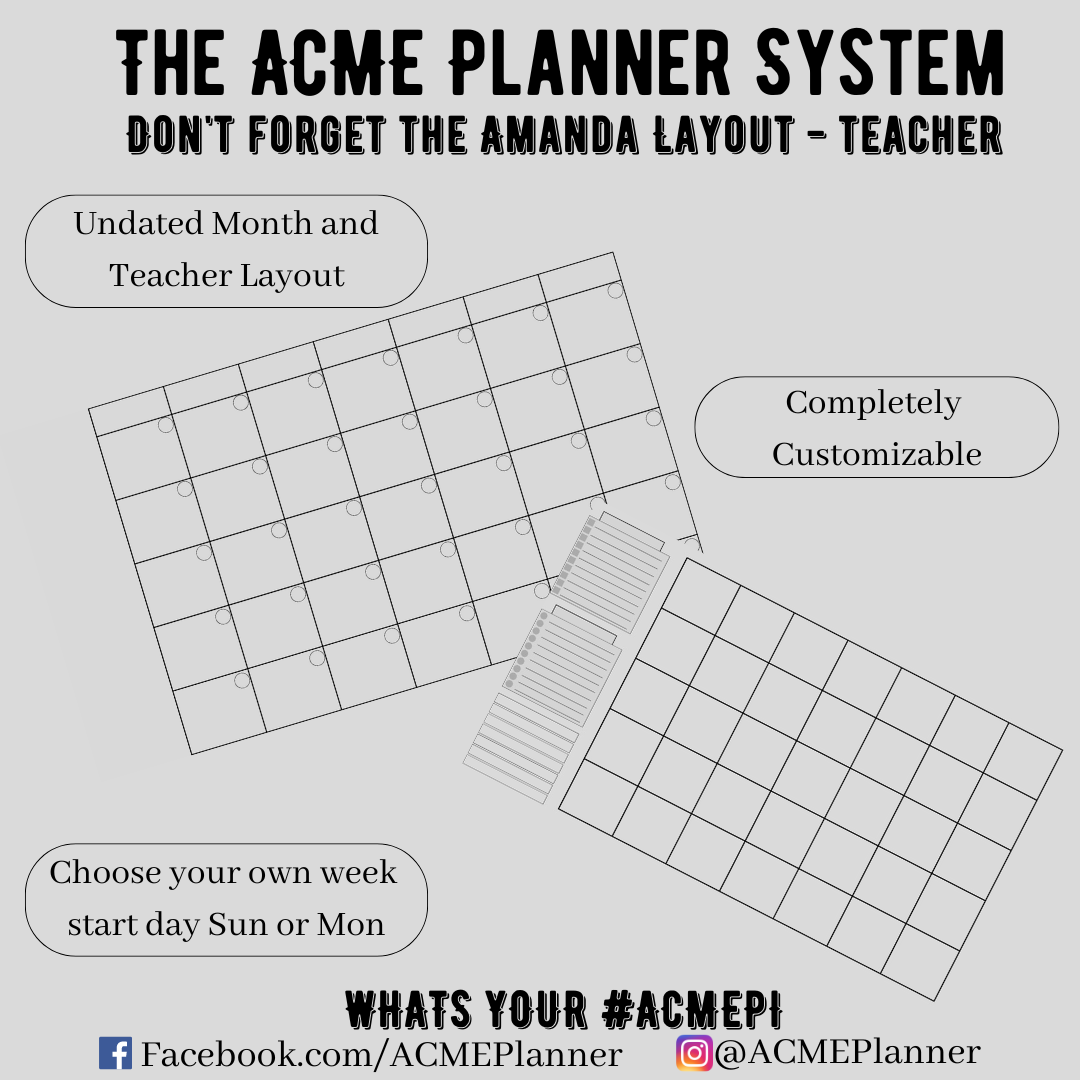 Image 1 of 6
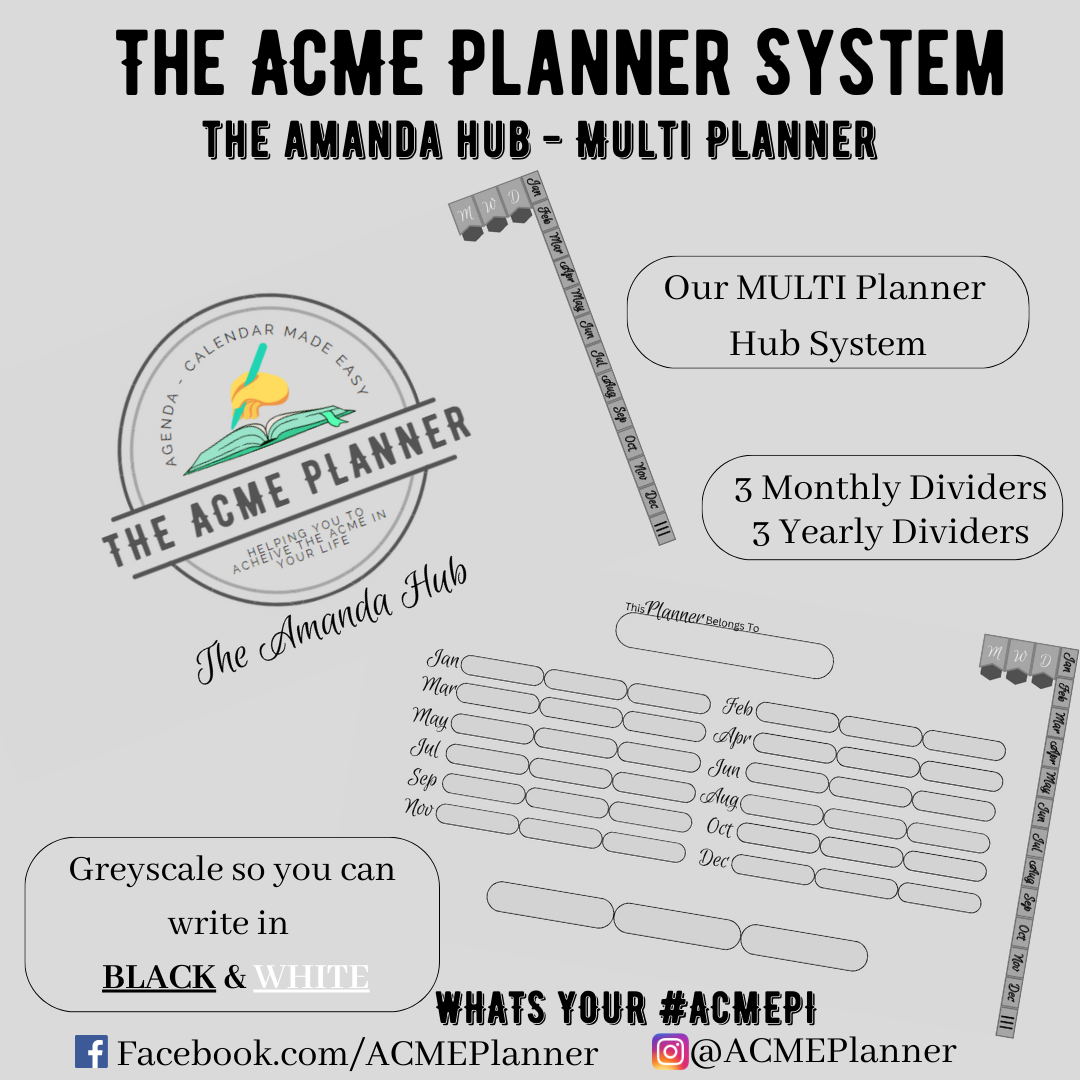 Image 2 of 6
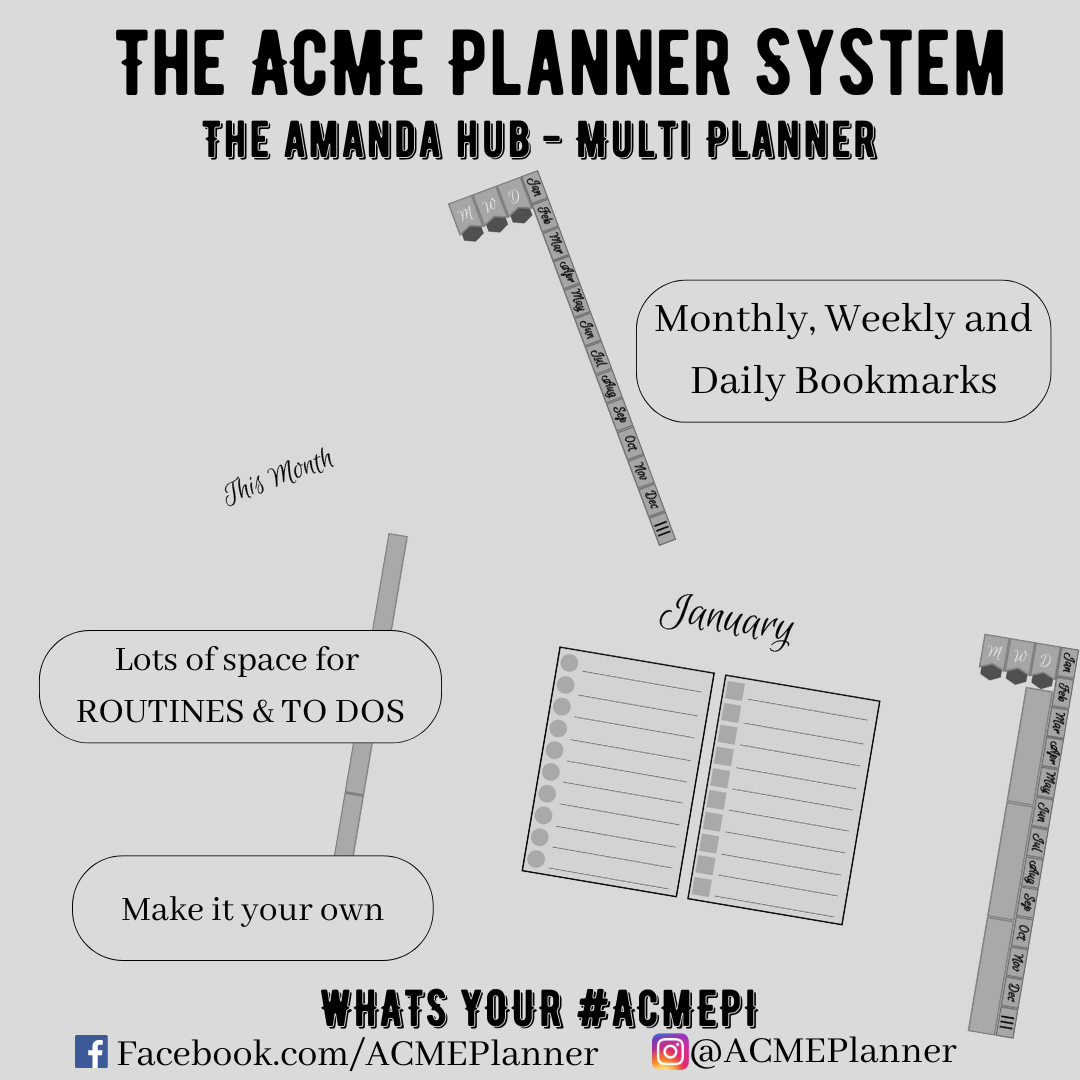 Image 3 of 6
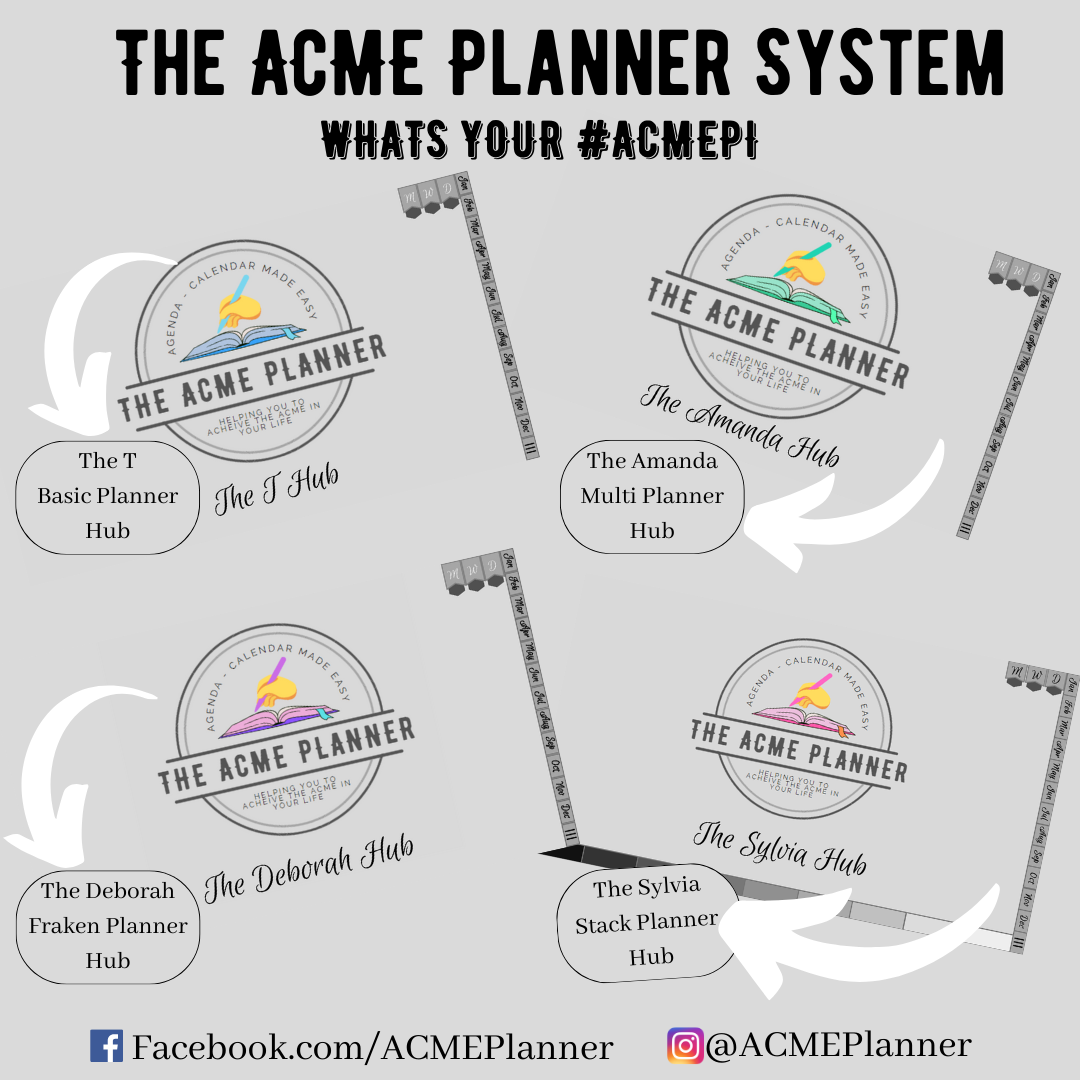 Image 4 of 6
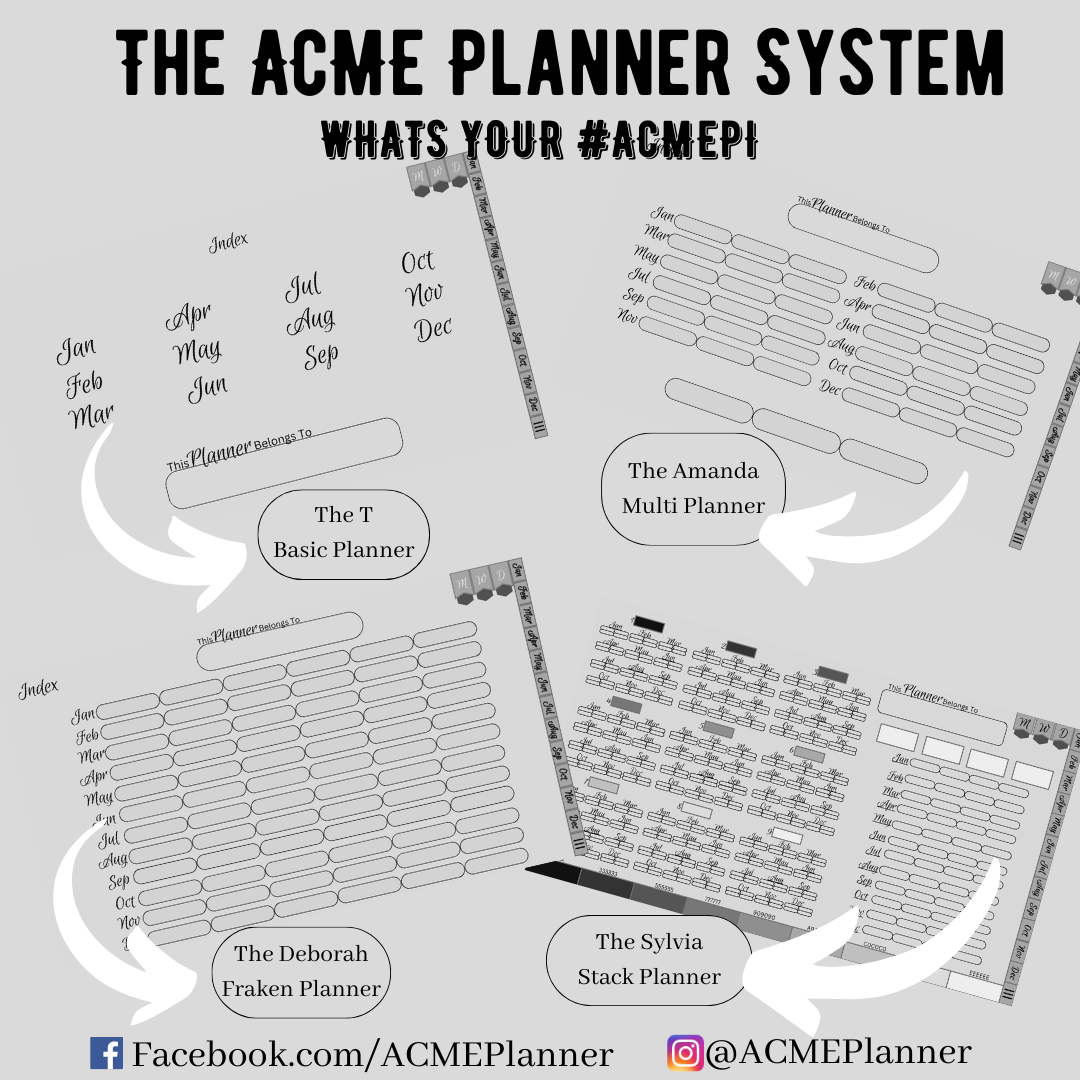 Image 5 of 6
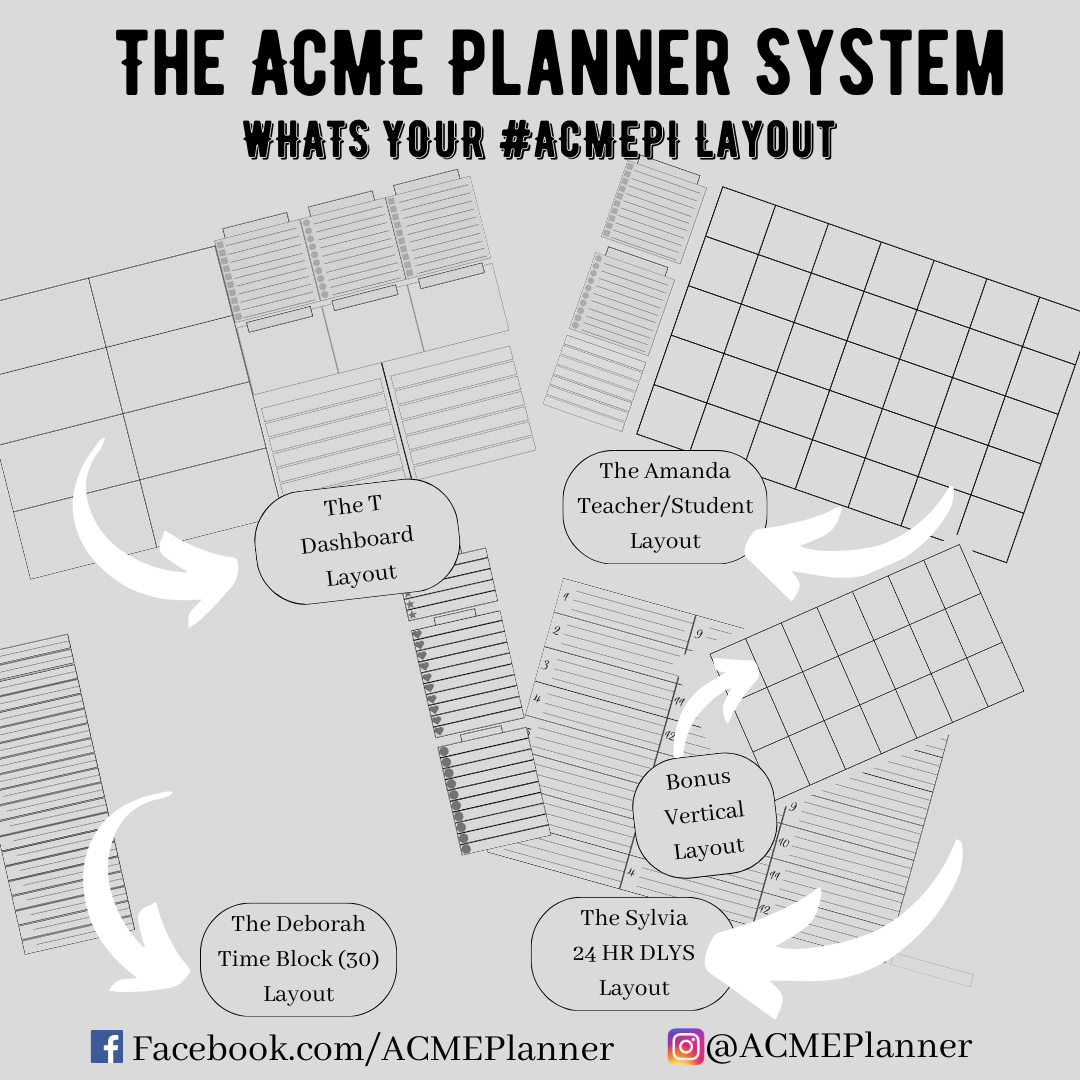 Image 6 of 6